Ask for the review the day the deal is won
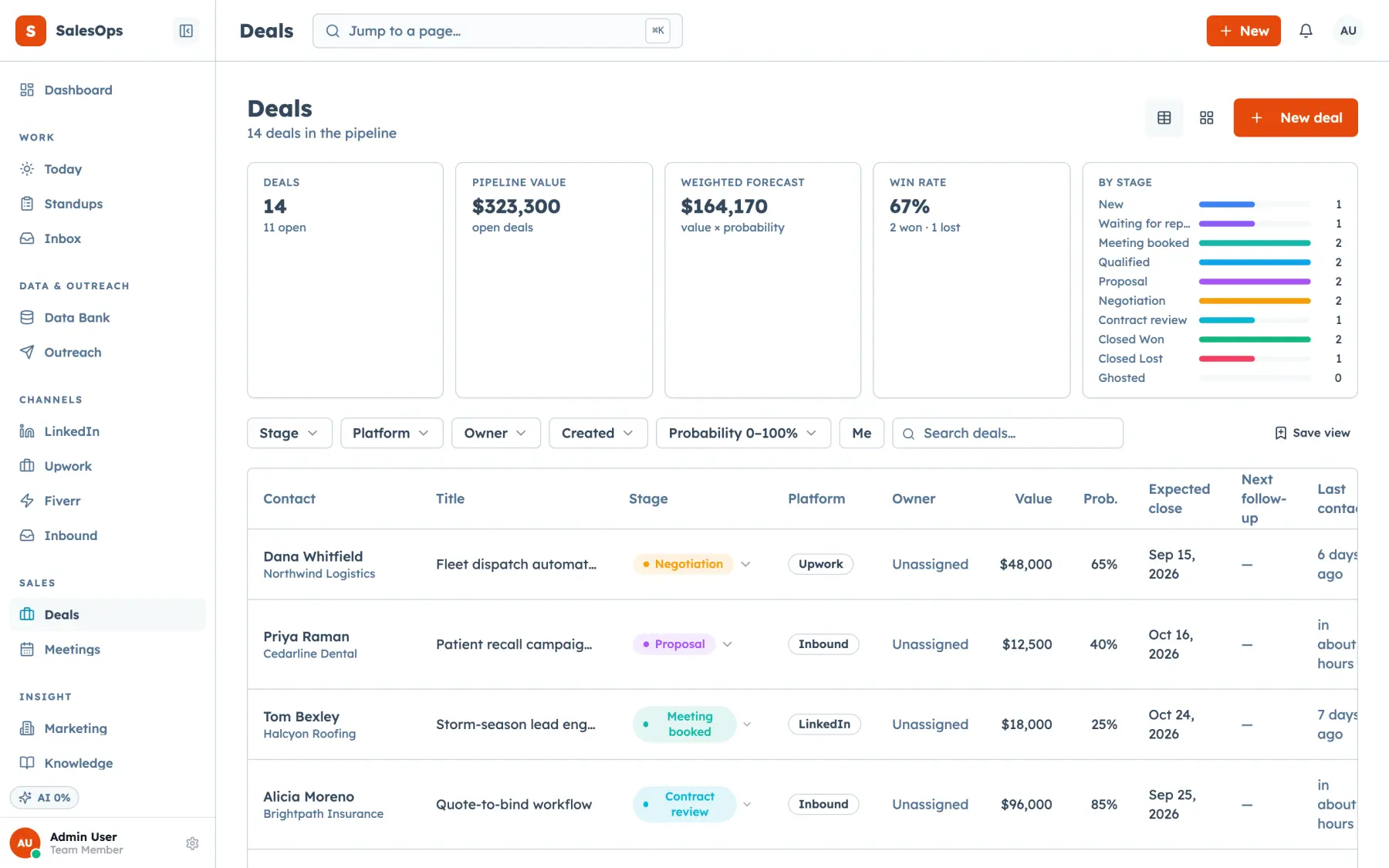
A won stage fires one request by SMS or email, with your platform link, inside your sending window.
Want to see it first? Book a demo
- Fires on a won deal
- Once per customer
- No review gating
The short answer
- A deal moving to won fires a SalesCrew review request by SMS or email, once per customer, with the link to the platform you care about, and never to a suppressed contact.
- The stage change is a dated event in your database, so the ask lands on the day the work went well rather than in a monthly batch.
- The request goes to everyone the rule matches. Filtering happy customers toward a public link and unhappy ones toward a private form is prohibited on several major review platforms.
What it does
When a deal reaches the stage you nominated as won, SalesCrew sends the request. The rule around it is the feature: once per customer, a minimum gap since any previous ask, never to a contact on the suppression list, and always inside your sending window.
Timing is why the ask belongs on the stage change. A request that lands the day the job went well reads differently from the same words a fortnight later, and only your CRM knows when that day was. You pick SMS or email per rule, and the reply comes back to the shared inbox on the same deal.
Asking and counting are separate jobs. SalesCrew handles the ask on your pipeline, and the reviews themselves stay on the platforms where your customers post them.
Why the ask belongs in the CRM
The trigger is the product
A stage change is a dated event in your database, the most reliable way to ask at the right moment.
Read moreOnce, and only once
The rule is enforced, not remembered. Repeated asks train customers to ignore you.
Read moreA reply is a conversation
A customer who answers the ask with a complaint lands in the shared inbox, where you can put it right.
Read moreHow you set up review requests
Four steps from a won stage to a sent ask.
- 1
Connect
Email works with your connected mailboxes. For SMS, connect Twilio and complete carrier registration.
- 2
Configure
Pick the stage that counts as won, the wording of the ask, the platform link and the minimum gap between asks per customer.
- 3
Run in review
Agent-drafted wording waits in the approval queue, because a review request is an external send like any other.
- 4
Move to auto
Promote it once the wording is settled and the once-per-customer rule is doing its job.
In which tier
Unlimited seats on every tier.
| Tier | Price | What you get on reviews |
|---|---|---|
| Core | $299/mo | Won-stage events and email cadences you can build the ask on |
| Local | With the phone and SMS pack | Review requests on won, by SMS or email |
| Outbound | $699/mo | Core plus the SMS and phone pack, plus the Campaign and LinkedIn agents |
| Agency | $1,200/mo | Everything above, plus marketplaces and the marketing module |
Published tiers as of September 2026, unlimited seats on every one.
Questions
- When does SalesCrew send the review request?
- The moment a deal reaches the stage you nominated as won, inside your sending window. Each customer gets one ask, with a minimum gap you set before any later one.
- Does it filter out unhappy customers?
- Every customer the rule matches gets the same request. Several review platforms prohibit gating, so SalesCrew keeps you on the right side of their rules.
- Which review platforms can it link to?
- Whichever you configure. The link is yours, and SalesCrew supplies the trigger, the timing and the once-per-customer rule.
- Can I offer an incentive for a review?
- Platform rules on incentives differ, and several forbid them outright. Check the rules for the platform you use before you write one into the ask.
- What happens when a customer replies to the ask?
- The reply lands in the shared inbox on the same deal, so a complaint reaches a person the same day.
Ask every happy customer, on the right day
A won stage, one request, and the reply back on the deal, with unlimited seats.
Want to see it first? Book a demo