Follow up until someone answers, then stop the moment they do
Multi-step sequences across email and LinkedIn that pause on any reply, hold a three-day minimum between touches per contact, and check the suppression list again at send.
Want to see it first? Book a demo
- Pauses on any reply
- Three days between touches
- Suppression checked at send
The short answer
- A SalesCrew cadence is a list of steps with waits between them, and any reply on any channel pauses the enrolled contact rather than letting the next step go out.
- Guardrails are product defaults, not settings you have to remember: at least three days between touches per contact, per-cadence caps, per-mailbox and per-domain daily caps, and a business-hours send window.
- The suppression list is enforced twice, when the audience is frozen and again at the moment of send, so a contact who unsubscribed between those two points still does not get the email.
What it does
A cadence is built from steps and waits. You write the step, set the wait after it, and pick the channel. Email steps send. LinkedIn steps drop a queued item with paste-ready text into the LinkedIn queue, where a person executes it, because SalesCrew keeps a person on every LinkedIn send, which protects the account. Enrol a segment, and each contact walks its own copy of the sequence from wherever they joined.
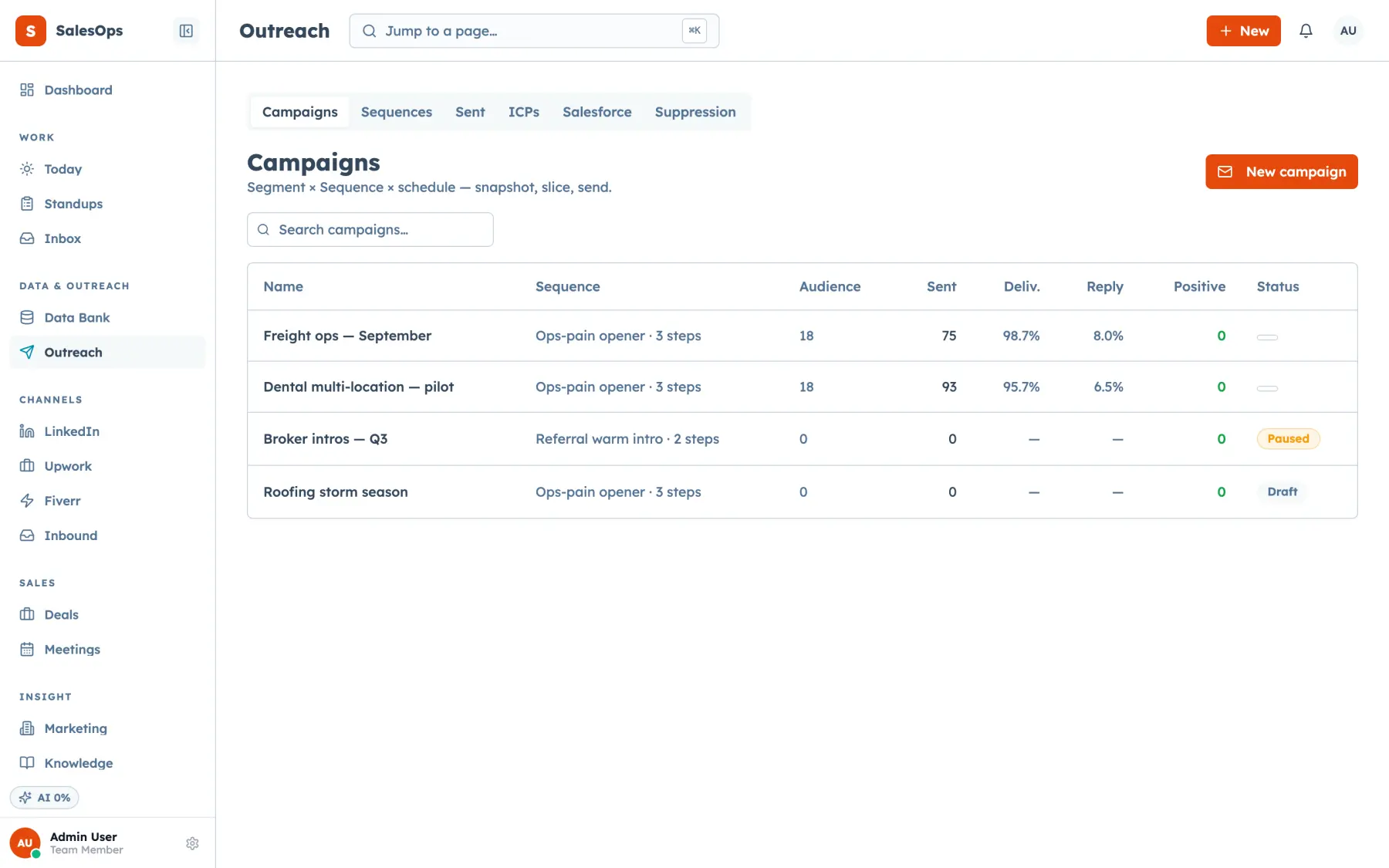
Stopping is the part that matters. A reply on the thread pauses that contact. An unsubscribe writes to the suppression list and stops them everywhere, not only in this cadence. A hard bounce does the same and takes the sending account down a notch in the pool. Campaigns wrap cadences for one-off sends against a frozen audience, and campaign history keeps what went out to whom.
You pick the send provider per cadence. The native mailbox-pool sender spreads a cohort across your own connected mailboxes, with cooldown stamps, per-mailbox and per-domain daily caps, a suppression check at send, and bounce or complaint feedback written straight back to suppression. The Salesforce send path pushes a campaign through an org you already own. The Instantly send provider hands the cadence to the Instantly API, and the sender and domain registry mirrors what Instantly knows about your domains.
The MCP twins cover the whole loop. sequence_list and sequence_submit handle the sequences themselves, cadence_enroll puts contacts in, cadence_pause, cadence_resume, cadence_stop and cadence_stop_contact control what is running, cadence_status and cadence_funnel read the numbers back, and campaign_create, campaign_set_provider and campaign_history do the same for campaigns. On the sending side, pool_senders, pool_status and sender_set_policy manage the pool. Every one of those has an identical button in the app.
What is different here
Each of these hangs off one of the five ideas the product is built on.
Cold outbound is allowed here
Outbound-complete: most real CRMs forbid purchased and scraped lists in their acceptable-use policy, which is why teams run a second tool. SalesCrew allows the send and enforces suppression instead.
Read moreGuardrails are defaults, not homework
Human in the loop: touch spacing, daily caps per mailbox and per domain, a business-hours window and a suppression re-check at send ship on, and an agent cannot turn them off.
Read moreThe reply lands in the same database
The whole funnel in one place: a positive reply becomes a deal on the same board, with the thread and the cadence step that produced it still attached.
Read moreAn agent can run the sequence
Agent-operable by design: enrolling, pausing and reading the funnel are MCP tools, so a Claude or ChatGPT session can work the cadence with your permissions.
Read moreHow you get a cadence sending
Four steps, and nothing is on auto until you put it there.
- 1
Connect
Add the mailboxes you will send from, register the sending domains, and pick the provider for this cadence.
- 2
Configure
Write the steps and waits, set the per-cadence cap, and freeze an audience from a segment so the suppression list is applied to it.
- 3
Run in review
Enrol a small batch. Every send an agent proposes waits in the approval queue with the contact, the copy and the step it came from.
- 4
Move to auto
Once the copy is right, let the reply-side classes run themselves: classify the reply, pause the cadence, suppress on unsubscribe. External sends stay in review if you want them there.
Send providers, and what each one does
Pick one per cadence. The list is short on purpose.
| Provider | What it does | Status |
|---|---|---|
| Mailbox pool (native) | Rotates across your own connected mailboxes with cooldown stamps, per-account daily caps, a suppression check at send, and bounce or complaint feedback into suppression. | Available |
| Salesforce send path | Pushes a campaign to a Salesforce org you already own and sends from there. | Available |
| Instantly (registry sync) | Mirrors your sender and domain registry from Instantly so the CRM knows the state of your domains. | Available |
| Instantly (send provider) | Sends the cadence through the Instantly API rather than your own pool. | Available |
Cadence steps run as email, LinkedIn queue items, SMS and call tasks, plus an await_event step that holds a contact until something happens, such as a booked meeting.
In which tier
| Tier | Price | What you get on cadences |
|---|---|---|
| Core | $299/mo | Multi-step cadences on the mailbox pool, campaigns, segments, suppression, sender and domain registry. |
| Local | With the phone and SMS pack | Core, plus SMS steps and speed-to-lead sends. |
| Outbound | $699/mo | Core, plus the Instantly send provider and the Campaign and LinkedIn agents. |
| Agency | $1,200/mo | Outbound, plus every agent, the data sources and one instance per client. |
Unlimited seats on every tier. The Agents pack adds in-product agents to Core for $199/mo.
Questions
- Will this get my domain blocked?
- SalesCrew protects your domains with caps you set. It limits volume per mailbox and per domain each day, holds at least three days between touches to the same contact, and sends inside your window. A sending account that bounces or draws complaints drops out of rotation, and list quality and copy stay in your hands.
- Is cold email allowed on this CRM?
- Yes. SalesCrew allows cold outbound, which most CRM acceptable-use policies do not. CAN-SPAM, GDPR and every consent obligation stay with you, and the product enforces suppression and opt-out on every send.
- What actually stops a sequence?
- A reply on the thread pauses that contact. An unsubscribe or a hard bounce writes to the suppression list and stops them across every cadence. You can also stop one contact with cadence_stop_contact or the whole cadence with cadence_stop.
- Which step kinds does a cadence run?
- Four kinds: email steps from the mailbox pool, LinkedIn queue items, SMS steps and call tasks. An await_event step holds the contact until an event fires, such as a reply or a booked meeting.
- How do LinkedIn steps work in a cadence?
- A LinkedIn step drops a queued item with the message ready to paste, and a person sends it from the queue. The URL-first ledger records the status, so the cadence knows what went out. Keeping a person on every LinkedIn send protects your account.
- How many mailboxes can I connect?
- There is no seat or mailbox count on the plan. What limits you is the per-account and per-domain daily cap you set, which is the number that actually protects deliverability.
Run one cadence properly
Freeze a small audience, put the sends in review, and watch what the reply does to the deal.
Want to see it first? Book a demo