Report lead gen results to clients from one database
Ad spend, organic data, leads, meetings and deals sit in each client's own database. Cost per lead by channel becomes a query.
- Six daily collectors
- Cost per lead by channel
- Every table exports to CSV
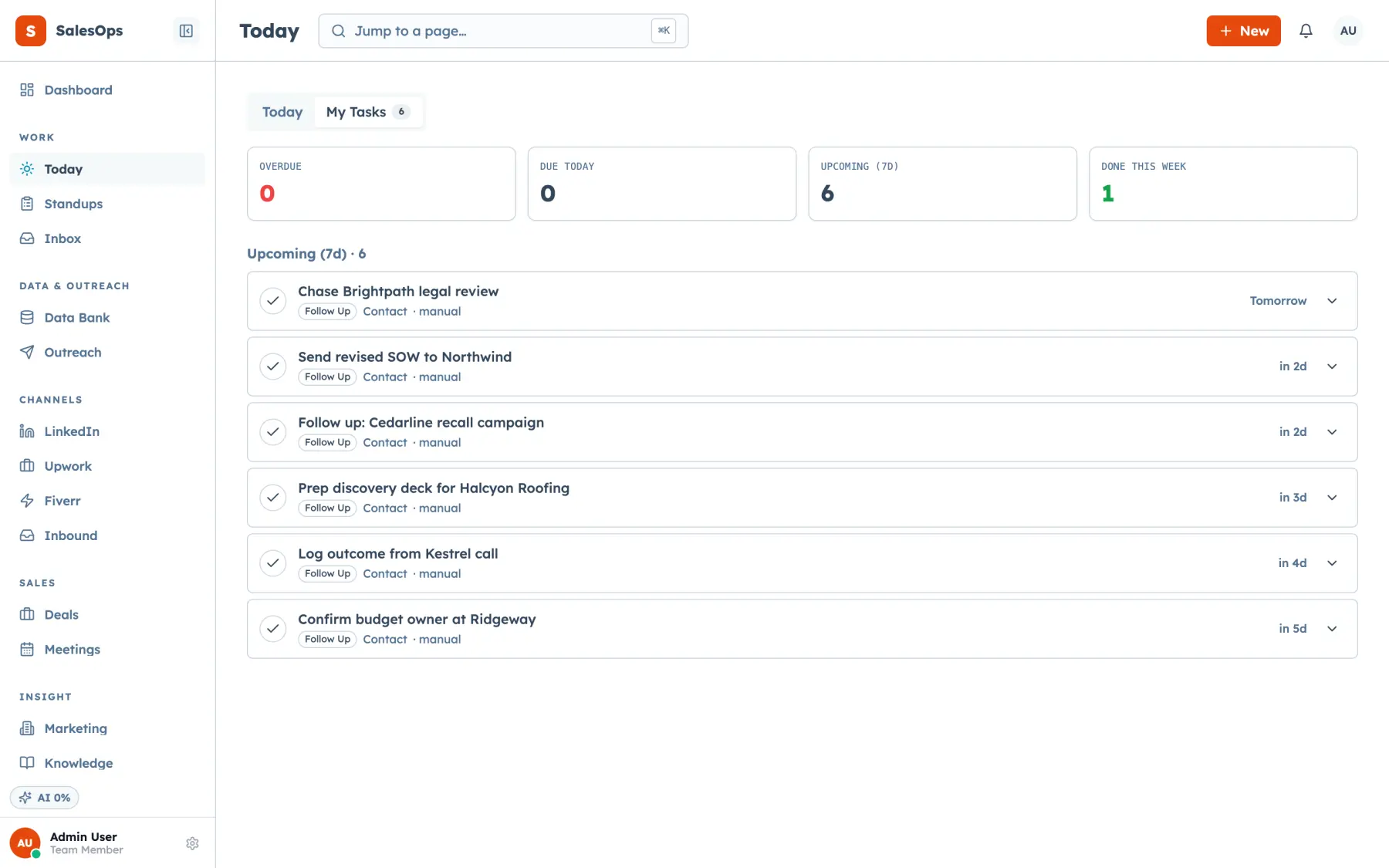
How client reporting works in SalesCrew
- SalesCrew collects GA4, Search Console, Bing, Google Ads, Meta Ads and PostHog data every day into the same database as the client's leads and deals.
- SalesCrew channel economics shows spend, work items, meetings, deals, cost per meeting and cost per deal for each channel.
- The SalesCrew cost-per-lead tile divides each channel's spend by its new leads, so the headline number of a lead gen report needs no spreadsheet.
- Every table exports, and every number is also an MCP tool, so an AI client can draft the monthly summary for you to check.
Why a monthly client report eats a whole day
A lead gen report pulls from four places. Spend lives in the ad platforms, traffic in GA4, replies in the email tool and meetings in the CRM. You export each one, line up the dates and hope the channel names match. By the time the numbers agree, the month is a week old.
SalesCrew puts those sources in one database per client. Collectors write marketing rows into the client's instance each day, and the pipeline is already there. That's why cost per lead should be a query, not a Monday ritual. Your report reads from one place, and the client's figures never touch another client's.
Where each number in the report comes from
Every source writes into the client's own instance. Nothing is an embed of another tool's dashboard.
| What | Mechanism | Direction | Objects | Status |
|---|---|---|---|---|
| Paid spend | Google Ads and Meta Ads, read-only collector, daily | Into SalesCrew | Spend, clicks, conversions by campaign | Available |
| Organic search | Search Console and Bing, read-only collector, daily | Into SalesCrew | Queries, pages, clicks, impressions | Available |
| Site behaviour | GA4 and PostHog, read-only collector, daily | Into SalesCrew | Sessions, events, conversions | Available |
| Pipeline | The client's own CRM records | Already in SalesCrew | Leads, meetings, deals, stages | Available |
| Channel economics | A view over spend and pipeline; MCP tool channel_economics | Read | Cost per meeting, cost per deal by channel | Available |
| Cost-per-lead tile | Spend divided by new leads per channel, on the Marketing page | Read | Cost per lead by channel and period | Available |
| Exports | CSV from every table, plus a full Postgres dump | Out to you | Any table in the report | Available |
Trigger to logged
One client, one month-end report.
- 1
Trigger: the month closes
Your report is due. Collectors have run every day of the month, so the month's spend, traffic and search data sit in the client's instance before you open it.
- 2
Check the data is current
Run the freshness check to see when each collector last ran. You confirm every source is up to date before any number goes to the client.
- 3
Read the channel numbers
Open channel economics and the cost-per-lead tile for the month. You get spend, leads, meetings and deals per channel, with cost per lead, per meeting and per deal beside them.
- 4
Compare against targets
The niche scoreboard lists each segment above or below the target you set for it. A KPI scorecard rolls the month into one view the client can read in a few minutes.
- 5
Draft the summary
Export the tables, or ask Claude over MCP to draft the commentary from the same numbers. You edit it, and you decide what goes to the client.
- 6
Logged
Every MCP call the draft used is in the audit log with the token named. Next month you rerun the same steps on the same sources, so the report never changes shape.
What the report should say, and in which order
Lead with the number the client pays you for: qualified leads or meetings booked this month. Put cost per lead by channel next, then what changed and what you'll do about it. Our guide on what to put in a monthly client report covers the sections in detail.
Keep the format the same every month. A client who sees the same four tables in the same order spots a change in seconds. That's easy in SalesCrew, because the sources, the view and the export never move between months.
Which tier runs client reporting
You get the full marketing module on the Agency tier at $1,200 a month. That covers all six collectors, channel economics, the niche scoreboard, the KPI scorecard and exports. On Core at $299 a month, every lead and deal still carries its source, so the pipeline half of the report comes straight from CRM data.
Seats are unlimited on every tier, and each client keeps its data in its own database. See the pricing page for the full tier list.
Check freshness before a number reaches the client
Questions
- Where do the ad spend numbers in a client report come from?
- From read-only collectors that pull Google Ads and Meta Ads spend, clicks and conversions into the client's own SalesCrew database every day. GA4, PostHog, Search Console and Bing run the same way. Those rows sit next to the client's leads and deals, so spend and pipeline share one source.
- Can I send cost per lead by channel without building a spreadsheet?
- Yes. SalesCrew's cost-per-lead tile divides each channel's spend by the new leads it produced, for the period you pick. Channel economics adds cost per meeting and cost per deal beside it. You export the table as CSV or paste it into your report.
- Can Claude or ChatGPT draft the monthly summary for me?
- Yes, over MCP. Connect the client's instance to Claude, ChatGPT or Cursor with a scoped token, and the marketing tools return the scorecard, trends and channel economics. From those numbers the model drafts the summary, and you edit and send it. Every tool call it makes is written to the audit log.
- Can the client log in and see the numbers themselves?
- Yes. Seats are unlimited on every tier, so the client's sales lead can have a login on their own instance at no extra cost. Roles and the three scope axes decide what that login can see and change.
Build next month's report from one database
Request access and connect a client's ad accounts to their own instance.