The SMS compliance kit
Consent wording, opt-out rules, the registration path and what to keep a record of. Written for a business owner, published in full, and not legal advice.
Want to see it first? Book a demo
- 4 sections in full
- No email required
- Written for the US
The short answer
- Four sections: consent capture, the messages themselves, opt-out handling, and record keeping. Do them in that order, because consent you cannot evidence is consent you do not have.
- Business texting to United States numbers goes through carrier registration, commonly called 10DLC. Unregistered traffic gets filtered or blocked, so this is a practical requirement as well as a compliance one.
- This kit is a starting point written by a software company, not by lawyers. The TCPA carries real statutory damages per message, so take advice before you send at any volume.
Section 1: capturing consent
Consent has to be specific, recorded and evidenced. Four rules make it that.
- Separate the checkbox. Agreement to receive texts is its own opt-in, never bundled with terms of service or a privacy policy.
- Do not pre-tick it. An unchecked box that a person checks is evidence. A checked box they left alone is not.
- Say what they will get. The type of message and the rough frequency, in plain words.
- Record the proof. Timestamp, the wording shown at the time, the source page, and where possible the IP address. Store it with the contact so it can be produced later.
Web form wording:
"Text me updates about my enquiry and appointments from {Business}. Message and data rates may apply. Message frequency varies. Reply STOP to opt out or HELP for help. Consent is not a condition of purchase. See our privacy policy: {link}."
Verbal consent, read aloud and logged:
"Is it alright if we text you about your appointment and this enquiry? You can reply STOP at any time to stop them."
Then log the date, the time, who asked and the answer. A note in the CRM is a record; a memory is not.
Section 2: the messages
- Identify the business in the first message of any conversation. An unnamed number reads as spam and gets reported as one.
- Include opt-out instructions in the first message and periodically after it.
- Keep marketing messages inside reasonable local hours for the recipient, not yours.
- Do not use a shared or rotating number pool to dodge filtering. It is the fastest route to being blocked.
- Send what the consent covered. Consent for appointment reminders is not consent for promotions.
Section 3: opt-out handling
- STOP, STOPALL, UNSUBSCRIBE, CANCEL, END and QUIT all mean stop. Handle every one of them.
- Stop immediately, not at the end of the campaign. One confirmation message is standard; anything after that is not.
- Send one confirmation: "You are unsubscribed from {Business} texts. No more messages will be sent. Reply HELP for help."
- HELP must return something useful: the business name and a way to reach a human.
- Write the opt-out to a suppression list that every channel checks, not only the texting tool. Someone who opted out of texts and then gets an email from you has still had a bad experience.
- Never re-add an opted-out number through a later import. This is the most common way a compliant business becomes a non-compliant one.
Section 4: registration and records
Registration, in order
- Register the legal business entity with the carrier registry through your messaging provider. You need the registered company name, address and tax identifier that match official records exactly.
- Register the campaign: what you will send, sample messages, and the opt-in flow you actually use.
- Publish the privacy policy and terms the registration points at, and make sure the consent wording on your form matches the samples you submitted.
- Expect this to take time and to be rejected at least once for a mismatch between your registration details and your public records.
What to keep a record of
- Consent per contact: date, time, wording, source.
- Every message sent and its content.
- Every opt-out, with its timestamp.
- The suppression list itself, and the fact it is checked before each send.
- Who in your business can send, and how that is limited.
How this maps onto SalesCrew
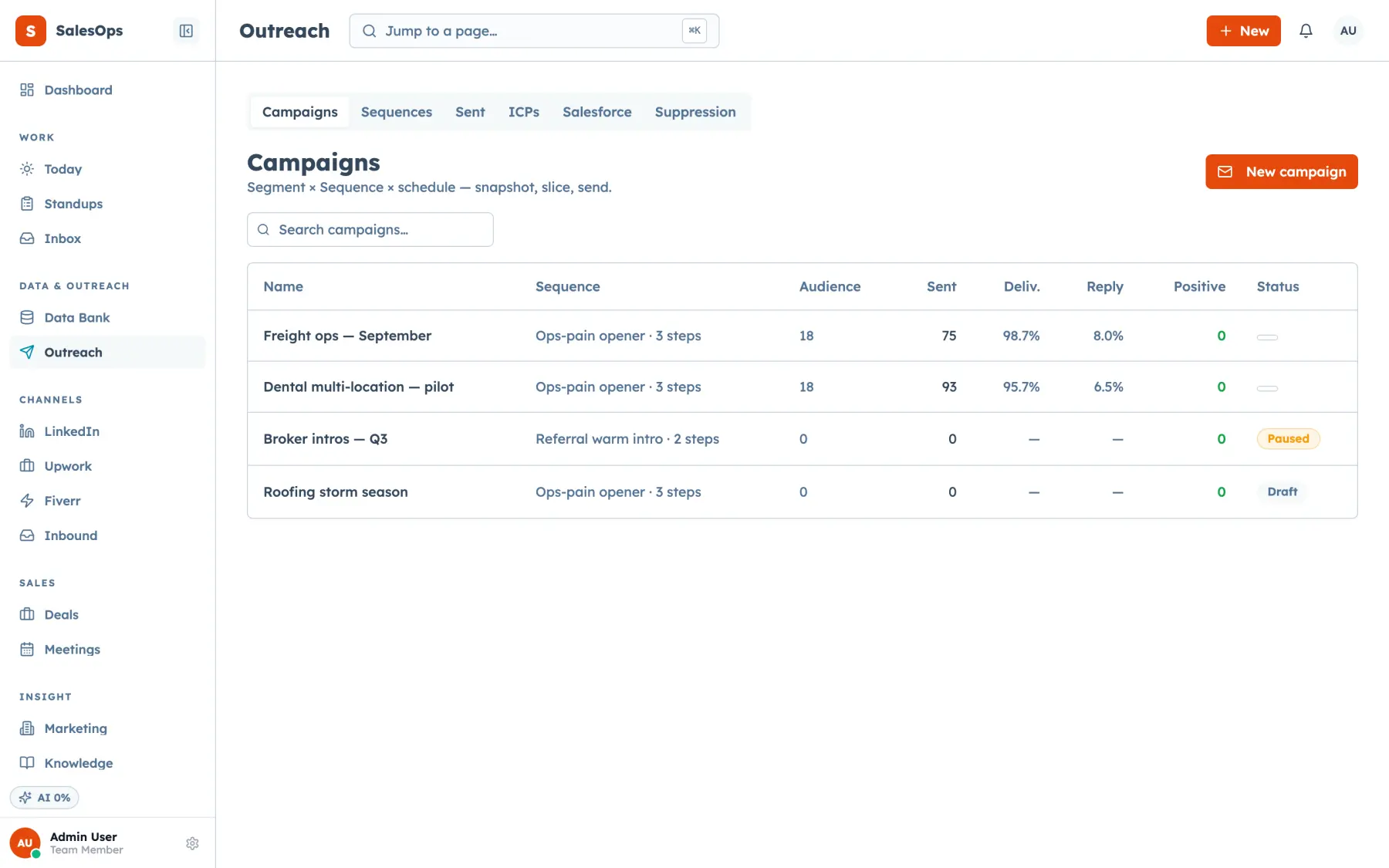
Suppression is enforced at audience freeze and again at send time, and unsubscribes, bounces and STOP replies write to it automatically. One list covers email and text, so a number that opted out of texts is held back from every channel.
Two-way SMS runs on your own registered number, with templates for the messages in section 2, a consent record per contact holding the date, wording and source from section 1, STOP, STOPALL, UNSUBSCRIBE, CANCEL, END and QUIT handled as in section 3, and the 10DLC brand and campaign registration from section 4 attached to the number. A DNC scrub runs at audience freeze and a consent gate checks the record before a call starts.
The consent itself is always yours to collect. SalesCrew enforces the rule and records the fact, and this page is not legal advice.
Start the registration before you need it
Carrier registration takes weeks, and the consent record and STOP handling are waiting on the number once it clears.
Want to see it first? Book a demo