The deliverability checklist
Thirty-four checks across six areas, all on this page. Work down it before your first send and again whenever a campaign underperforms.
Want to see it first? Book a demo
- 34 checks in full
- No email required
- Six areas, in order
The short answer
- Six areas in the order they matter: domains and infrastructure, authentication, warmup, list hygiene, sending behaviour, and the weekly watch.
- The authentication section is the one that fails silently. SPF, DKIM and DMARC published correctly is the floor, and Google and Yahoo both tightened their requirements for bulk senders in 2024.
- Most deliverability problems are list problems wearing a technical disguise. If bounce rates are high, fix the list before you touch a DNS record.
Why this exists
Deliverability advice usually arrives as folklore: warm up for two weeks, send fifty a day, use a separate domain. Some of that is right and none of it is checkable. A checklist is checkable, so this is a checklist.
The order matters. Domain and authentication problems make everything downstream unmeasurable, because you cannot tell a bad list from a blocked sender. Fix the infrastructure, then the list, then the behaviour.
The checklist, in full
Domains and infrastructure (6)
- Cold outreach sends from a separate domain, not the domain your invoices and support mail leave from.
- The sending domain resembles your main one closely enough that a recipient recognises it.
- Each sending domain has been registered long enough to not look created yesterday.
- The sending domain has a real website, even a one-pager, rather than a parked page.
- You know how many mailboxes sit on each domain and it is a number you chose rather than one that accumulated.
- A redirect from the sending domain to your main site exists, so a curious recipient lands somewhere real.
Authentication (7)
- SPF is published and lists every service that sends on your behalf.
- The SPF record stays within the DNS lookup limit; exceeding it makes the record fail rather than degrade.
- DKIM is enabled and signing, and you have checked a received message's headers to confirm it rather than assuming.
- DMARC is published. Start at p=none to collect reports, then move to quarantine or reject once you can see who is sending as you.
- DMARC reports go somewhere a person reads.
- Reverse DNS resolves for the sending infrastructure.
- You have checked the requirements Google and Yahoo published for bulk senders in 2024 against your setup, including the one-click unsubscribe header.
Warmup (5)
- Every new mailbox is warmed before it sends a real campaign, in your warmup tool of choice.
- Warmup ran for weeks rather than days.
- Volume ramps rather than jumping to its target on day one.
- Warmup keeps running quietly alongside real sending rather than stopping the day the campaign starts.
- You know what daily volume each mailbox is actually rated for, and your caps are set below it.
List hygiene (6)
- Every address is verified before the first send, and the verification is yours rather than a status inherited from a data provider.
- Role addresses such as info@ and sales@ are removed unless the offer genuinely suits them.
- The suppression list is imported before the first campaign, not after it.
- Suppression is applied when the audience is frozen, so the list you approve is the list that sends.
- Bounces write back to suppression automatically, so the same address is never sent to twice.
- Duplicates across imports are handled, ideally with a stable external identifier so reruns update rather than duplicate.
Sending behaviour (6)
- Daily caps per mailbox and per domain are set and enforced rather than intended.
- Sends stay inside a business-hours window in the recipient's terms.
- At least three days pass between touches to the same contact.
- A reply pauses the sequence for that contact automatically.
- Every commercial message carries a working opt-out line, including the ones written to feel personal.
- Links and images are kept to a minimum in cold messages, and a plain-text-looking message is the default.
The weekly watch (4)
- Bounce rate per domain and per mailbox, not only overall. A single bad mailbox hides inside a good average.
- Complaint rate, watched against the threshold your provider publishes rather than against a feeling.
- Reply rate per segment, so a deliverability problem can be distinguished from a targeting problem.
- Any sudden drop in replies from one mailbox, which is usually the first visible sign of a deliverability problem rather than a copy problem.
How SalesCrew enforces the sending half
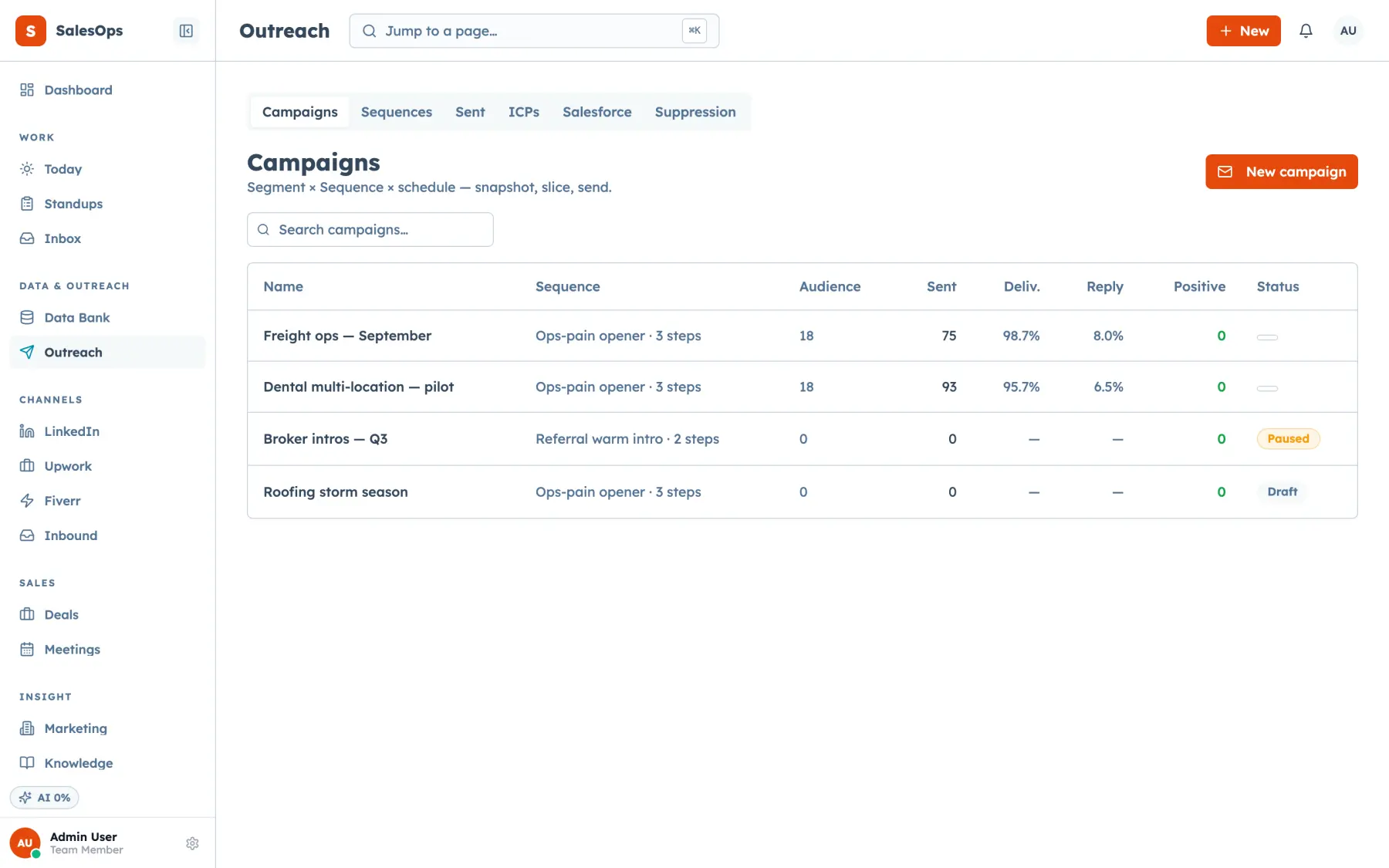
The sending behaviour section is mostly configuration rather than discipline. Per-account and per-domain daily caps, cooldown stamps between touches, a business-hours send window and a minimum gap of three days per contact are guardrails you set once.
Suppression is checked twice: when an audience is frozen and again at the moment of sending. Unsubscribes and bounces write to the suppression list on receipt, so the next audience is already cleaner without anyone maintaining a spreadsheet.
Guardrails hold every send inside a business-hours window, cap volume per mailbox and per domain each day, and keep at least three days between touches to the same contact. Warmup stays with your warmup tool, and SalesCrew puts the warmed mailboxes to work.
Set the caps once and stop relying on discipline
Guardrails, suppression at freeze and a send window, configured rather than remembered.
Want to see it first? Book a demo