Vapi + SalesCrew
Start an outbound voice call from a record, or let the AI receptionist answer inbound calls, and get every call logged back against the contact.
Want to see it first? Book a demo
- Outbound calls from a record
- Inbound answering and booking
- Every call written to the record
The short answer
- SalesCrew starts outbound calls through Vapi with the call_start tool or the button that calls it, and writes the result back with call_log so the record carries what happened.
- On inbound, phone numbers route by business hours, voicemail arrives transcribed, a missed call gets a text-back, and the AI receptionist books into the calendar or hands the call to a person.
- A DNC scrub at audience freeze and a consent gate on call start sit inside the product. Your consent basis stays with you, as the caller.
Mechanism
Outbound, inbound and the checks around every call.
| What | Mechanism | Direction | Objects | Status |
|---|---|---|---|---|
| Outbound call | Vapi as the voice provider, triggered by call_start | Outbound | Calls, contacts, deals timeline | Available |
| Call logging | call_log writes the outcome and notes to the record | Inbound | Calls, notes, timeline | Available |
| Inbound answering | Vapi inbound receptionist provider | Inbound | Calls, contacts | Available |
| Phone numbers and routing | Hours, whisper, voicemail to transcription | Inbound | Calls, voicemails | Available |
| Booking from a call | Receptionist agent writing a meeting | Inbound | Meetings, contacts | Available |
| Warm transfer to a person | Receptionist agent handing the call to a person | Internal | Calls, timeline | Available |
| Consent gate on call start | Check runs before call_start places the call | Internal | Consent records | Available |
| SMS | Twilio Programmable Messaging | Two-way | Threads, messages | Available |
Mechanisms read from the SalesCrew integration table, September 2026. Vapi's own site is the authority on its per-minute pricing and model options.
Setup for outbound calls
Six steps, in the order they run.
- 1
Add the Vapi key
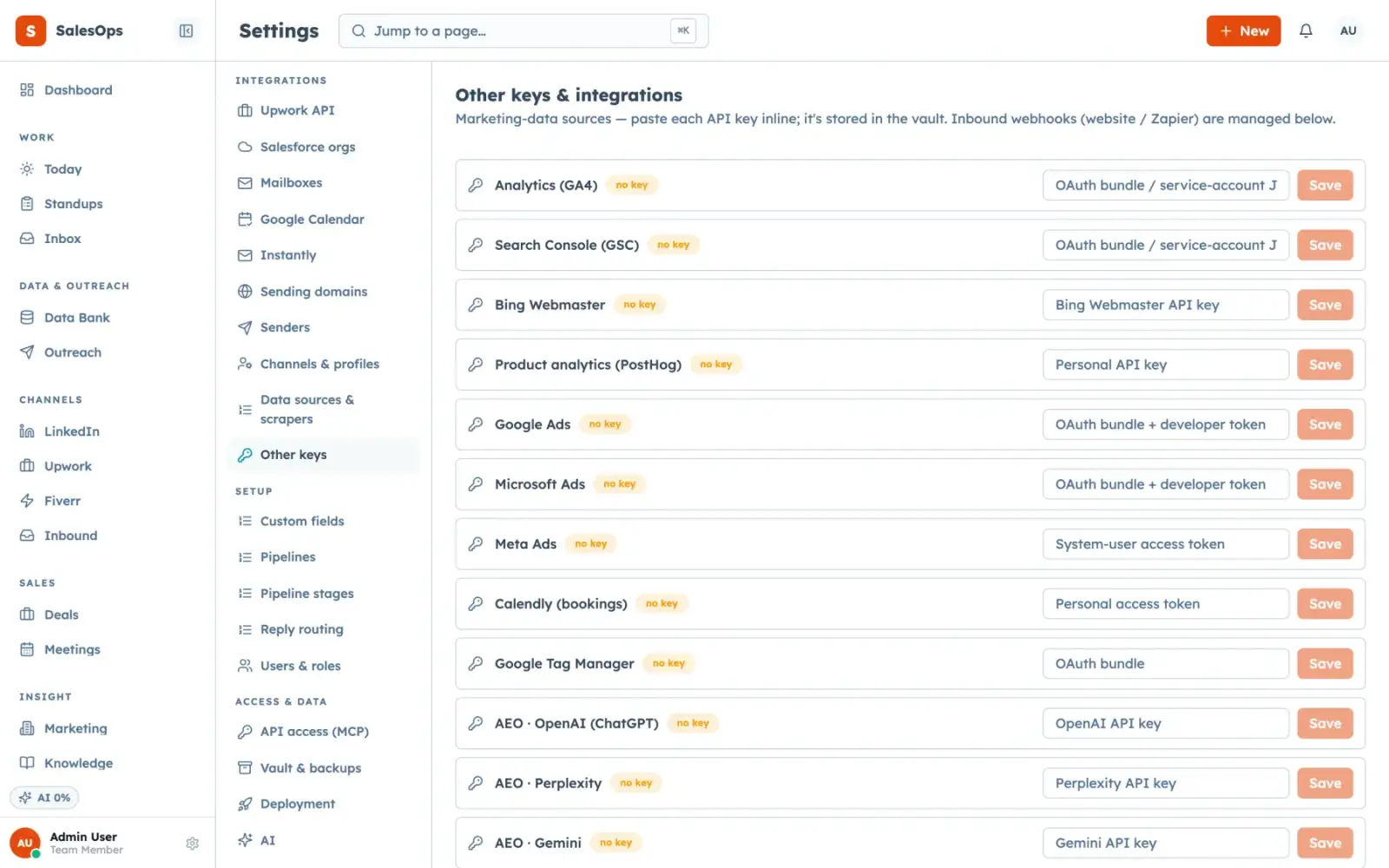
Settings, integrations. It goes into your instance's Supabase Vault and is never displayed again.
- 2
Check consent yourself
Calling a consumer mobile in the United States brings the TCPA into it, and an AI voice on the line raises the bar further. Confirm your basis before you queue anything. This is not legal advice.
- 3
Write the assistant prompt
What the agent may say, what it must not claim, and when it hands off. The knowledge base holds your facts so the script is not the only source of truth.
- 4
Start a call from a record
The button and the call_start tool do the same thing, with the same permissions and the same audit line naming the actor.
- 5
Log the outcome
call_log writes the disposition and notes onto the record, so the call is part of the timeline rather than a separate report.
- 6
Keep spend human
Anything that spends money stays a human decision in the default policy table. An agent does not decide to dial a thousand numbers.
Questions
- What does the Vapi connection do?
- It places outbound calls from a record and logs the outcome back. On inbound, the receptionist agent answers on your routed numbers, books meetings and transfers to a person.
- Do I pay Vapi or SalesCrew for the minutes?
- You bring your own Vapi account and key, so the voice cost sits with Vapi. SalesCrew's tiers are $299, $699 and $1,200 a month with unlimited seats.
- Does the call appear on the contact record?
- Yes. call_log writes the outcome and notes against the record, and the entry lands in the audit log with the actor named as a user, a token or an agent.
- Should an AI voice say it is AI?
- Several jurisdictions are moving that way and it is the safer default in every one of them. Decide with your own counsel and put the answer in the assistant prompt.
Put every call on the record
Outbound and inbound through your own Vapi account, logged on the contact, with every call in the audit log.
Want to see it first? Book a demo