What is an AI approval queue?
Twenty agent-written follow-ups spread across twenty screens get approved blind. One list with the evidence beside each gets read.
Want to see it first? Book a demo
AI approval queue — An AI approval queue is one list where every action an AI agent proposes in sales, such as an email, a LinkedIn message or a deal stage change, waits for a person to approve or reject it before it runs. Its purpose is to let agents do the drafting at volume while a named person controls what reaches a buyer.
Why sales teams need one queue, not many buttons
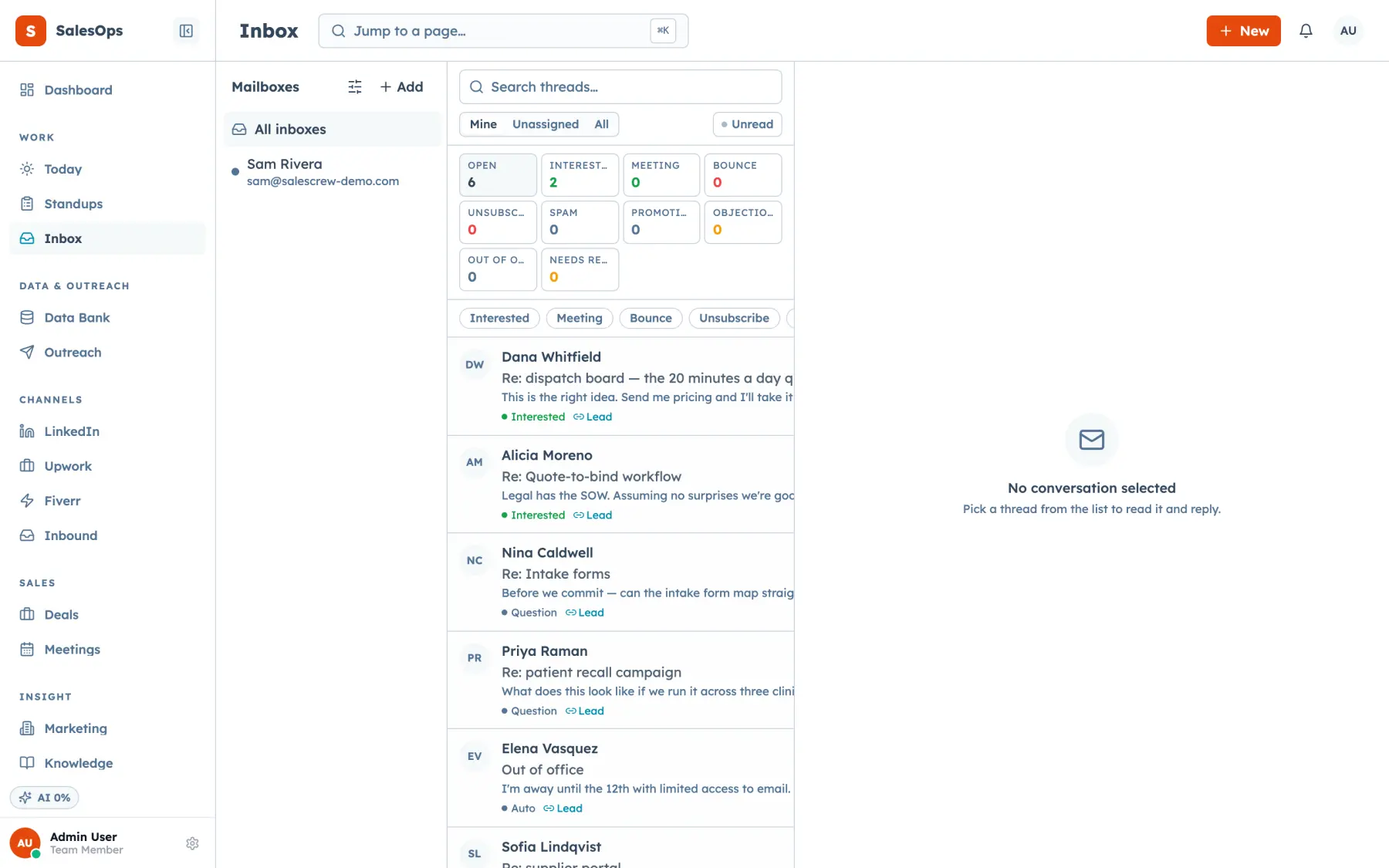
An agent can draft twenty replies before lunch. If each one asks for a confirm click in a different screen, you'll approve them without reading. A single queue shows every pending action together, with the thread, the lead score and the sources the agent used right beside the draft.
In sales, the stakes sit in a few action classes. An email goes out under your name. A stage change moves your forecast. A merge can't be undone cleanly. Those belong in the queue. Tagging a contact or writing a summary doesn't, and holding them back only buries the decisions that matter.
The queue is the working half of human in the loop. Its other halves are the agent mode that decides what enters it and the audit log that records each decision.
What goes in a sales approval queue
A default policy, by action class. Anything marked review waits in the queue.
| Action class | Default |
|---|---|
| Research, tagging, scoring, summaries, internal tasks | Runs on its own |
| Classify a reply, pause a cadence on reply, suppress on unsubscribe | Runs on its own |
| Any outside send: email, LinkedIn message, marketplace proposal | Review |
| Create a deal from a positive reply, book a meeting | Review, then auto after a clean week |
| Stage changes, contact merge or delete | Review |
| Any spend: credits, connects, ads | A person only |
This is the policy table SalesCrew seeds in every new instance, editable under Agents, then Guardrails.
An item's path through the queue
- 1
An agent drafts
A reply, a message or a stage move, not yet run.
- 2
Policy routes it
Review-class actions land in the queue.
- 3
You see the evidence
Thread, score, sources, confidence and cost.
- 4
You decide
Approve, edit then approve, or reject with a reason.
- 5
It runs and logs
Suppression is re-checked at send time.
The mistake to watch for
Questions
- How is an approval queue different from an audit log?
- An approval queue holds actions that haven't happened yet. An audit log records what already happened, including each approval and rejection and who made it. The queue feeds the log, never the other way round.
- Which sales actions should need approval?
- Any outside send, stage changes, merges and deletes, plus anything that spends money. Reversible internal work such as tagging, scoring and summaries can run without it. Deal creation from a positive reply often starts in review and moves to auto after a clean week.
- Can I edit an AI draft before approving it?
- Yes. Edit then approve is its own action: you change the draft, and the corrected version is what goes out and gets logged. A rejection reason is kept too, so the agent's next attempt starts from your feedback.
- Can an outside agent use the approval queue?
- Yes, when the CRM exposes the queue as tools. An agent in Claude or ChatGPT can list pending items, approve or reject them through MCP calls, and each decision lands in the same audit log as a click.